STEINS;GATE RE:BOOT Guides & Walkthroughs
Observer tutorials from first wishlist to multi-ending save discipline.
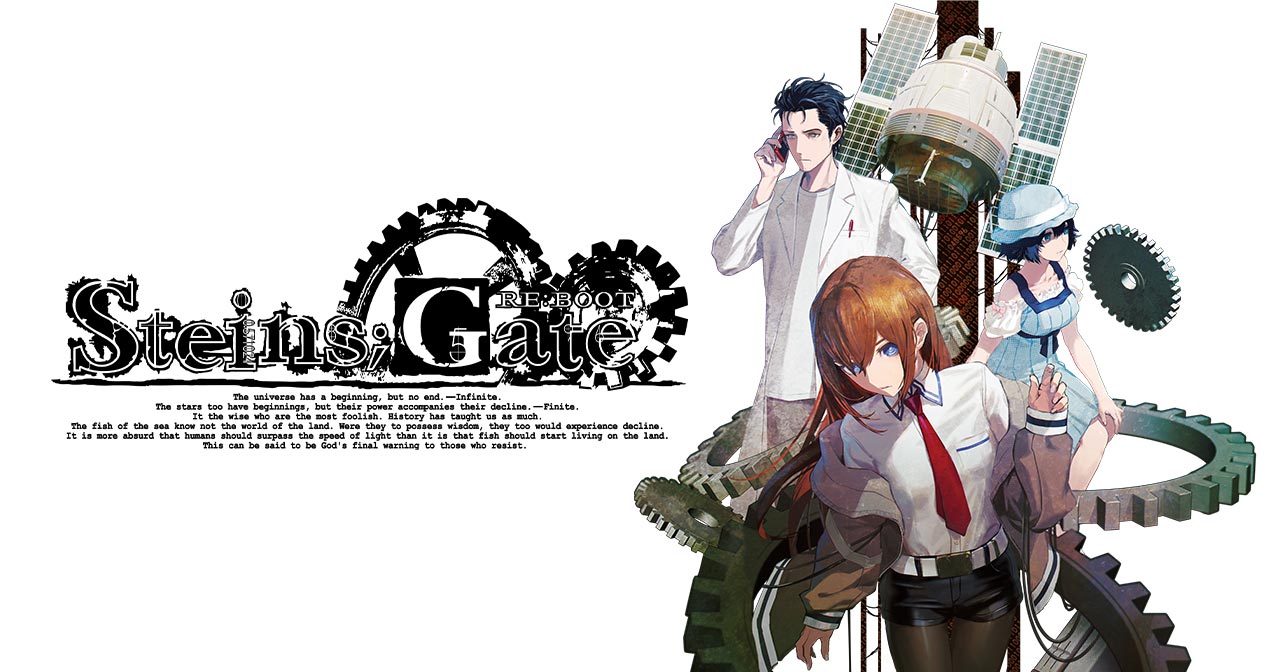
This Guides Hub is the spine of the unofficial STEINS;GATE RE:BOOT wiki. The reboot is still approaching launch windows on Steam, Xbox Series, Nintendo Switch 2, Nintendo Switch, PlayStation 5, and PlayStation 4, so these pages prioritize clarity over rumor. Use them to understand platforms, systems, and story structure before you commit dozens of hours.
Start here
If you are new to the Science Adventure series, open Getting Started first. It explains what kind of game RE:BOOT is, how long a full observation run can take, and which wiki tools to bookmark. Pair it with How to Play for reading rhythm, UI expectations, and spoiler hygiene.
Veterans who already cleared the original STEINS;GATE or STEINS;GATE ELITE should jump to What’s New in RE:BOOT and Gamma Worldline. Those pages focus on redrawn art, re-recorded voices, pacing changes drawn from the ELITE scenario base, and the additional route that did not exist in the 2009 release.
Systems that decide your ending
STEINS;GATE is famous for the Phone Trigger system: answering, ignoring, or replying to calls and messages can shift worldlines. Read Phone Trigger before day one so the phone UI feels intentional instead of stressful. Then study Endings Overview for a spoiler-aware map of why multiple endings exist, and Save Strategy for slot discipline that reduces full replays.
Link out to the rest of the wiki
Guides alone are not enough when edition SKUs and platform dates differ. Cross-check Release Schedule, Platforms, Edition Comparison, and System Requirements. Meet the cast in the Characters Hub and skim Future Gadget Laboratory so lab nicknames land immediately.
How we write these guides
Every guide aims for practical depth: what the system is, why players care, how to prepare, and what remains unconfirmed until launch. We avoid inventing RE:BOOT-specific choice lists that have not been published. Where classic series knowledge helps, we label it clearly and remind you that RE:BOOT may refine flag timing.
When trailers help, a single YouTube embed appears mid-article on selected pages. Prefer reading the surrounding sections so the video supports the tutorial instead of replacing it.
Suggested reading order
- Getting Started
- Prologue Preview
- Platforms and Edition Comparison
- Phone Trigger and How to Play
- Characters Hub
- Save Strategy then Endings Overview if you want route planning
- Gamma Worldline and What’s New for reboot-specific hype
Return to this hub whenever you need a calm index. El Psy Kongroo — observe carefully.
Hub maintenance note
When a new guide lands after launch, link it from this hub body and the home featured set. Prefer precise titles over vague “part 2” labels so search intent stays clear.
Hub routing tip
New observers start at Getting Started; veterans jump to Whats New and Gamma tone; collectors peek Tools after Updates. The hub exists to shorten that triage, not to replace the child pages.
Post-Xbox-delay routing
Add Prologue Preview for one official long look, and send date-confused friends to Xbox Western Delay. Guides remain the spine; Updates remain the calendar.
Unique hub seal: stamp your reading order on paper tonight—hubs fail when they stay bookmarks you never open.
Frequently Asked Questions
Quick answers for observers preparing for RE:BOOT.
Which guide should absolute beginners open first?
Start with Getting Started, then How to Play and Phone Trigger. Add Platforms and Edition Comparison before you pre-order.
Do these guides spoil the true ending?
Endings Overview uses gated language and warnings. Mechanical pages stay lighter; open spoiler sections only when ready.
Will walkthroughs update after launch?
Yes. Pre-release pages explain systems and prep. Post-launch we will refine RE:BOOT-specific flags when verified.